TL;DR
AI security, or artificial intelligence security, protects AI systems and the data and permissions connected to them. The October 2026 incidents show why enterprise AI governance must cover approved tools as well as shadow AI. An approved application can still expose credentials or give an agent more authority than its task requires.
The practical response combines vendor-specific remediation with restrictions enforced outside the model. Limit what agents can read and change, keep usable credentials out of logs, and separate ordinary work from authority to remove those restrictions. Buying an enterprise license does not establish any of these boundaries.
What the October 2026 AI security incidents actually show
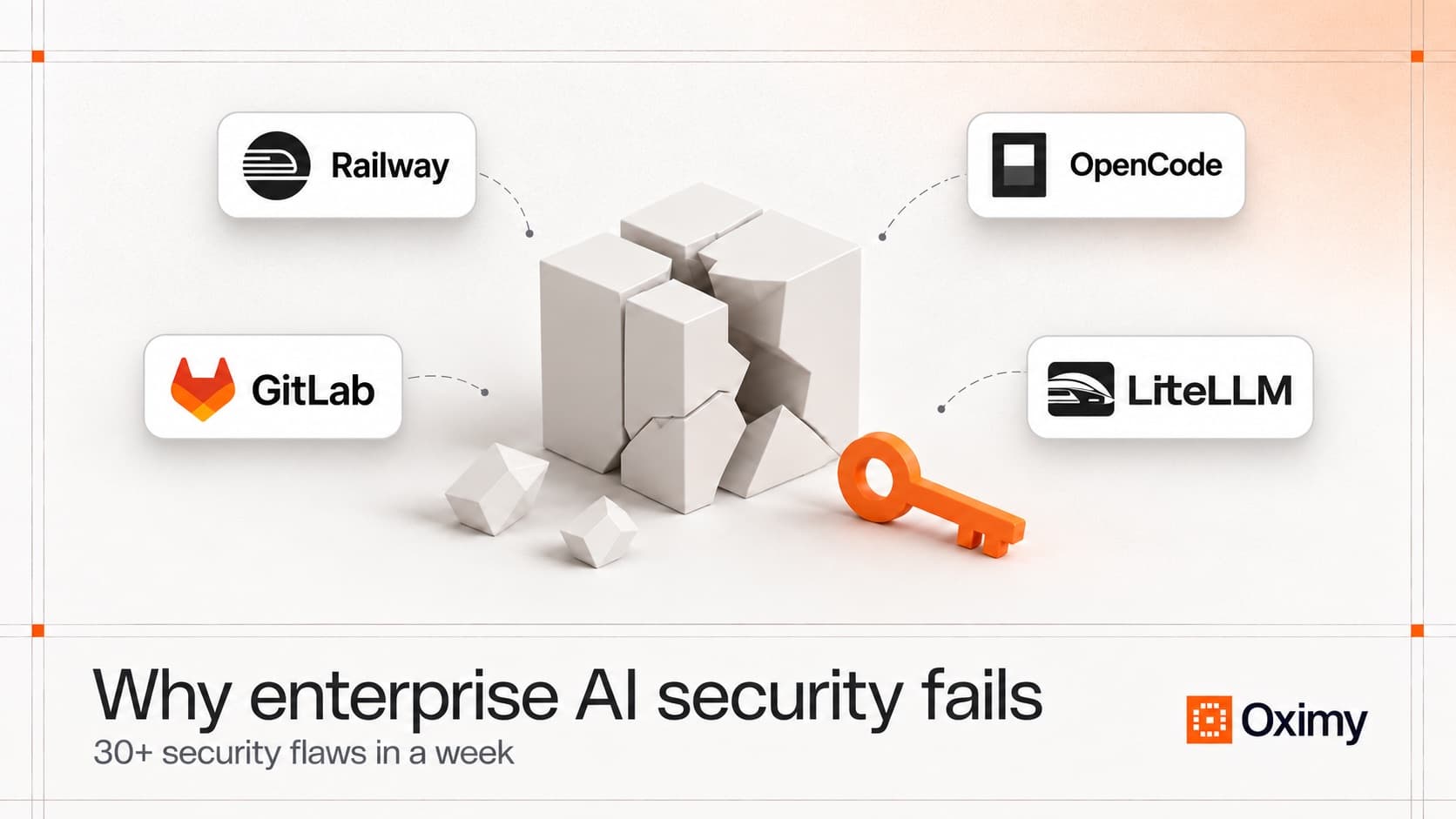
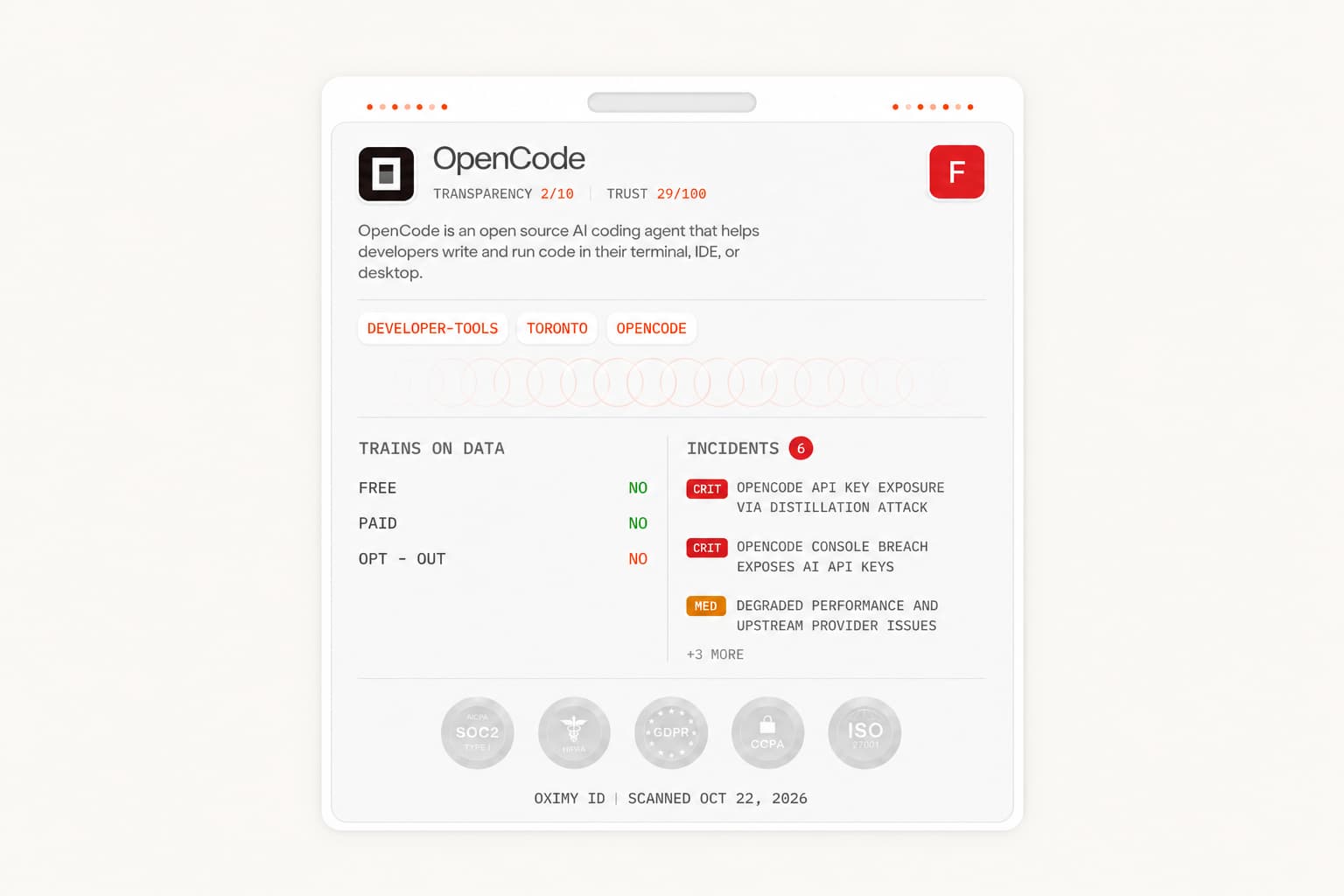
Railway paused deployments and recommended rotating credentials. LiteLLM investigated malicious release artifacts. OpenCode disclosed a breach affecting a subset of Console users with external providers connected. For a company using those services, the immediate question was whether its own credentials, software or data were affected.
That is an uncomfortable question when the same AI tool can read local files, call external services and act through an employee's accounts. Replacing the application may stop future use. It does not tell you where a credential has already been copied or what someone did with it.
For context, I am Naman, founder and CEO of Oximy. We're building AI governance and security for large organizations, focused on protecting company data as employees use AI.
The incidents below expose different failures. Treating them as one AI attack would make the response less accurate.
| Incident | Disclosure | Reported scope |
|---|---|---|
| LiteLLM supply chain attack | October 21 | Affected: PyPI 1.107.0 and container tags v1.107.0, latest, main-latest and main-stable during the reported windows. Private enterprise release unaffected, according to LiteLLM. |
| Railway secret exposure | October 21 | Possible decrypted environment-variable exposure; individual impact remained under investigation. |
| OpenCode Console breach | October 17 | 1.4% of Console users: a subset with external AI providers connected, not every local installation. |
| Storm-0940 / ARTEX | October 21 research | AI-accelerated attacks observed from September. Most targeting was unsuccessful. |
Other disclosures involved eight eMudhra intermediate certificate-authority keys, 3,897 SBI customer records with source and extent under investigation, malware in some Rank Math PRO downloads, and unauthorized programs on Onamae servers. These security breaches and exposure reports do not establish that AI caused each event.
Separately, October 16-22 PHP, Node.js, GitLab, CISA and Go notices covered 31 distinct CVEs, including older flaws. That supports the cover's 30+ security flaws figure. It does not mean 31 new discoveries, successful compromises or AI-specific vulnerabilities. NGINX's five October 14 fixes fall outside that window.
Dates and versions matter. The October LiteLLM incident is separate from its March 2026 compromise. A team reading the wrong response guide could investigate the wrong package version while overlooking the one it actually installed.
Where AI changes the speed and reach of an attack
Microsoft describes Storm-0940 using ARTEX to automate attacks against hundreds of organizations. In some successful cases, attackers reached privileged cloud access in less than three hours. They abused applications customers had already authorized.
The important distinction is between creating a vulnerability and exploiting available access faster. This research supports the second. It does not prove that AI discovered every flaw in the week's advisories, or that every supplier incident involved an autonomous attacker.
The reported cases leave defenders little time between initial targeting and privileged cloud access. A response process that waits for an employee to notice unusual activity may begin after an attacker has changed permissions. That is why agentic AI security needs preventative authorization controls alongside detection.
There is also a defensive AI problem: the assistant working for your employee may operate with credentials intended for a person. Imagine a developer who can read several repositories but only needs an agent to work in one. Giving the agent the developer's unrestricted session carries that wider access into the task.
That is a hypothetical example, not a finding about a named victim. It shows why AI agent security cannot stop at whether the model follows instructions. The connected account determines which systems a manipulated agent or a compromised tool can reach.
An enterprise can improve its model's responses while leaving that access unchanged. More accurate answers do not narrow a token's permissions. Likewise, filtering a prompt does not remove malware from an installed package. These controls address different failure paths and need separate evidence that they work.
How credentials become AI data leakage
LiteLLM's preliminary account describes Claude Code embedding GitHub tokens in response bodies. The company believes attackers obtained credentials from internal logs; the complete access path remained under investigation. A stolen organization-owner token then allowed attackers to disable branch protections.
The general problem is a credential acquiring another place to live. A secret starts in a developer environment. A tool reads it, a response includes it, and a retained log creates another copy. Restricting the original secret store no longer controls every copy.
This is data leakage in the security sense: sensitive information becomes accessible outside its intended boundary. It is different from the machine-learning meaning of contamination between training and test data.
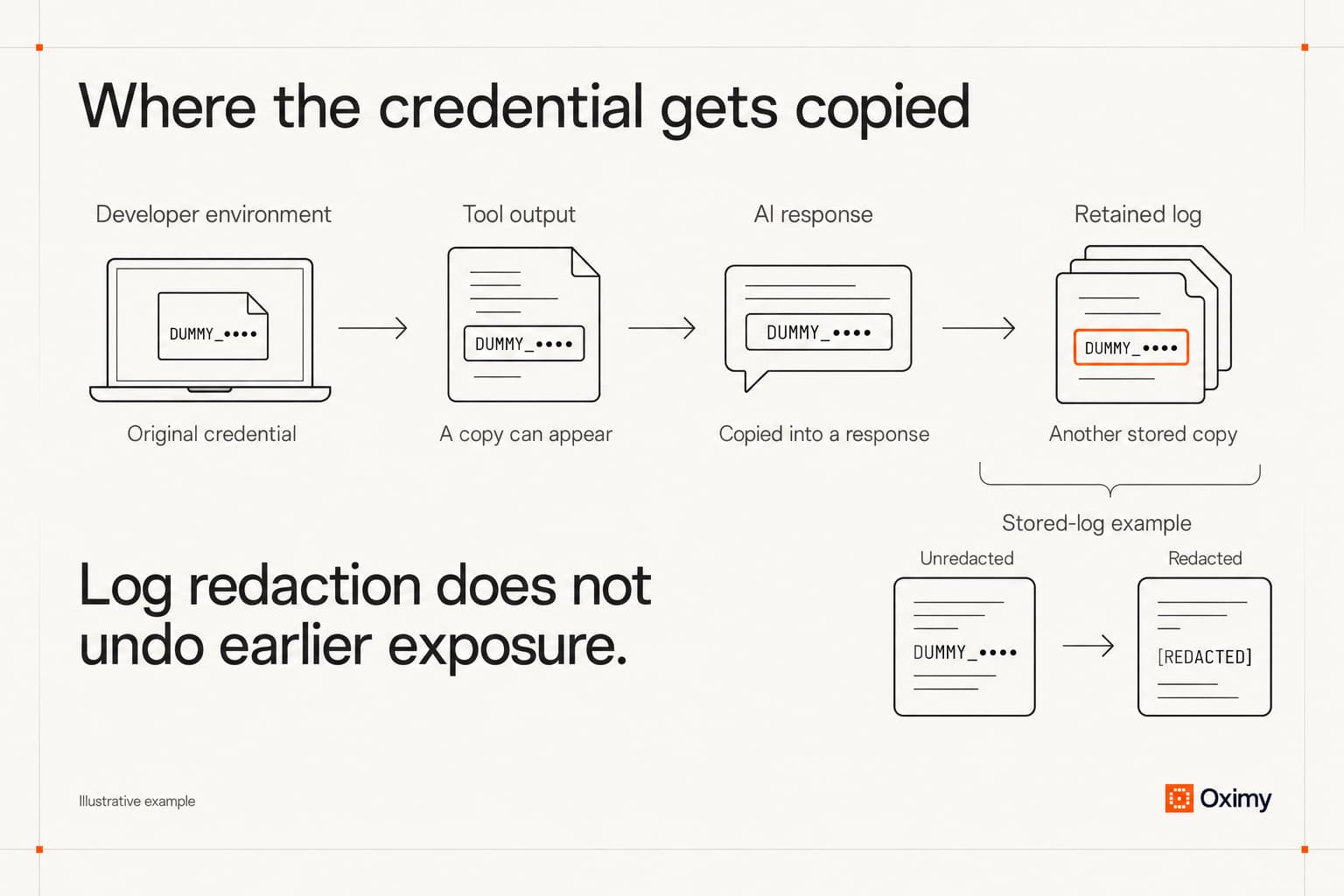
A policy against pasting passwords into chat misses this route. An employee may never type a secret into the prompt. The tool can retrieve it while executing a permitted task.
For AI data security, the first decision is whether the task needs a usable credential at all. Where possible, have an authorized service perform the specific operation rather than returning the credential to the assistant. If direct access is necessary, narrow its permissions and lifetime to the work being done.
Logging deserves the same care. OWASP advises excluding access tokens, passwords and other sensitive values from routine logs. Investigators still need event evidence: the identity used, operation attempted, destination and result. They do not need a reusable password embedded in a conversation transcript.
Deleting a log entry cannot revoke a copied token. Rotation addresses future use of that credential; investigation must also establish what access or changes occurred before rotation.
OWASP's secrets-management guidance treats revocation and rotation as part of a credential's lifecycle. Build that lifecycle into the integration. A team should be able to replace one agent's access without having to change a shared administrator credential used by unrelated services. Separating credentials makes targeted containment possible; it does not establish whether an attacker already obtained other access.
Why AI governance must cover approved tools and shadow AI
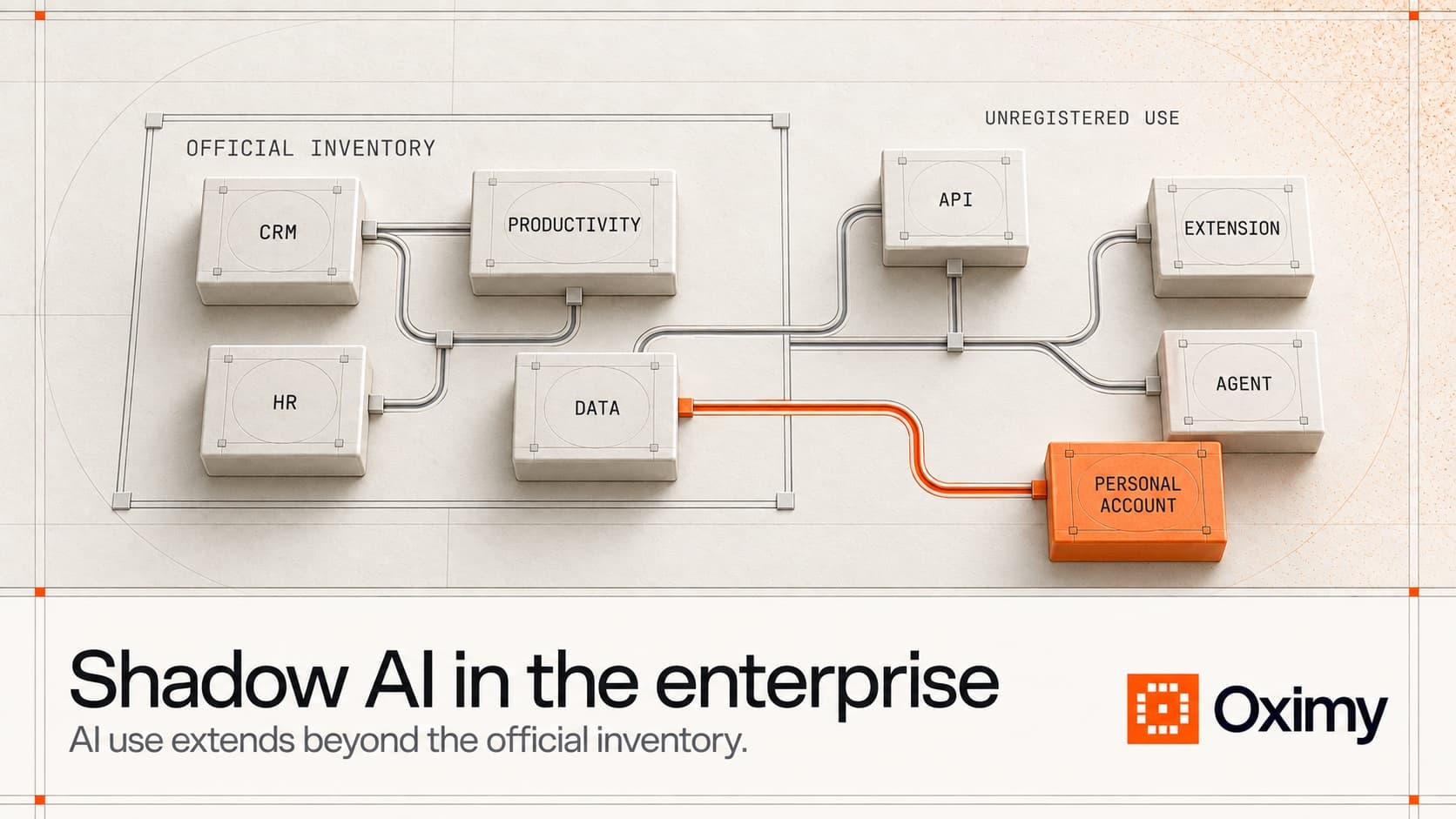
Shadow AI means AI use without organizational approval or oversight. It creates a discovery problem, but approved tools can be compromised too. Classifying every incident as shadow AI would miss that distinction.
An approved tool list records a purchasing decision. It rarely describes every permission an employee later grants, every extension installed or every new system connected. Approval must remain connected to the actual deployment rather than becoming permanent permission for anything bearing the vendor's name.
AI governance determines who may authorize those changes and under what conditions. The security implementation must make those decisions effective. A policy requiring review offers limited protection if the same compromised identity can remove the requirement.
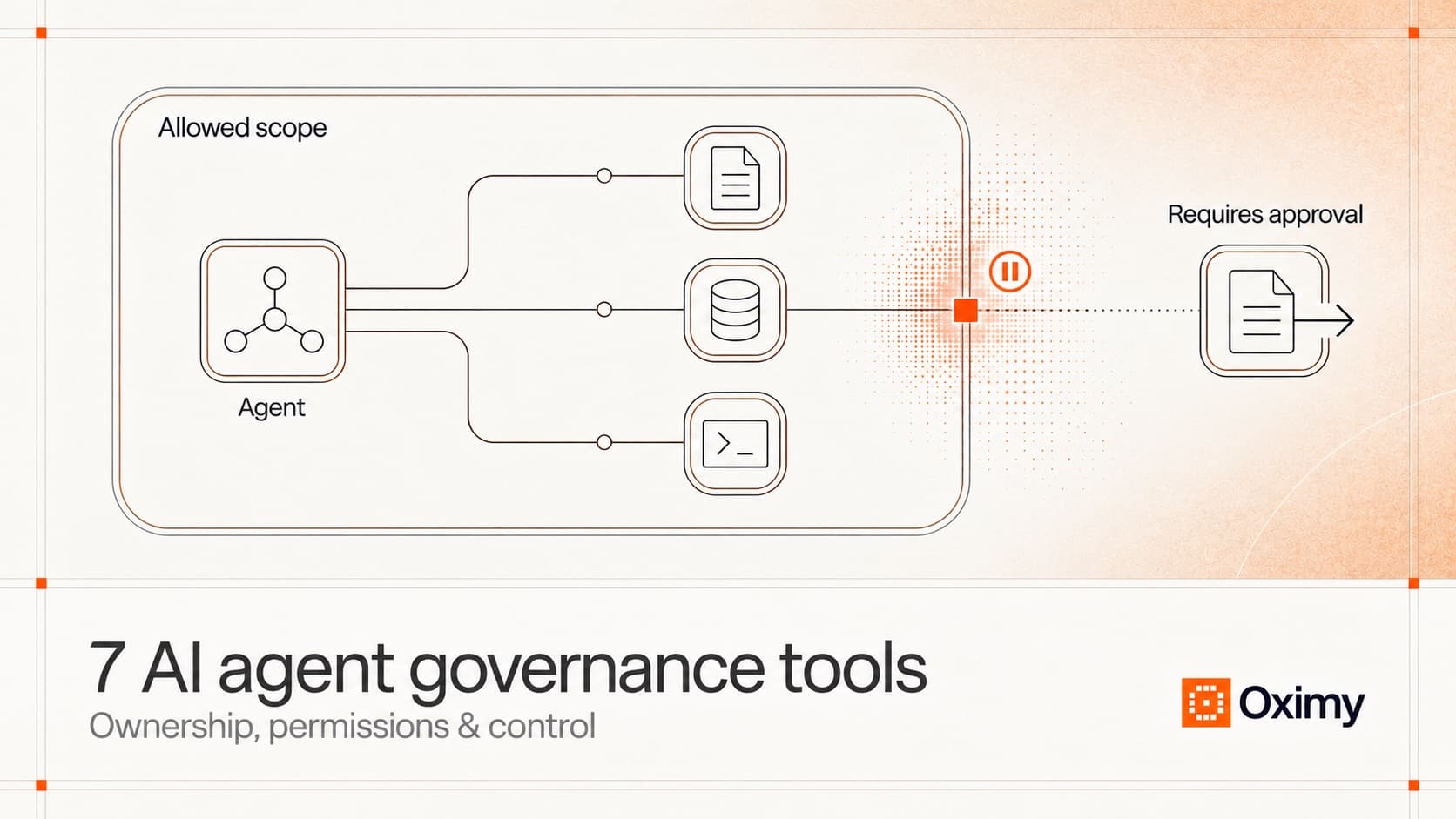
AI agent governance therefore needs a separation between doing work and weakening its safeguards. An agent that proposes a code change does not necessarily need permission to merge it, modify repository protections or issue credentials. Those are different authorities even when one convenient administrator role bundles them together.
For a CIO or CISO, the useful review starts with a consequential permission change. Consider adding production access to an existing coding assistant. Identify what additional operations become possible, which independent approval is required, and when the added authority expires. That is a decision an organization can enforce and later examine.
This also makes an agent-governance tool evaluation more concrete. Ask whether the product can observe or enforce the particular permission boundary. A screen showing that an application is approved does not answer whether its agent can bypass a release review.
An exception needs equivalent scrutiny. If the person requesting broader access can approve it and make it permanent, the exception becomes another route around the restriction. Record the operation being authorized and its duration, rather than granting a standing bypass because a deadline is close.
An AI security policy needs to work on employee devices
A browser control can inspect activity it actually sees. That does not establish coverage for a terminal agent reading files on a laptop, an editor extension launching a subprocess, or a background worker running on a server.
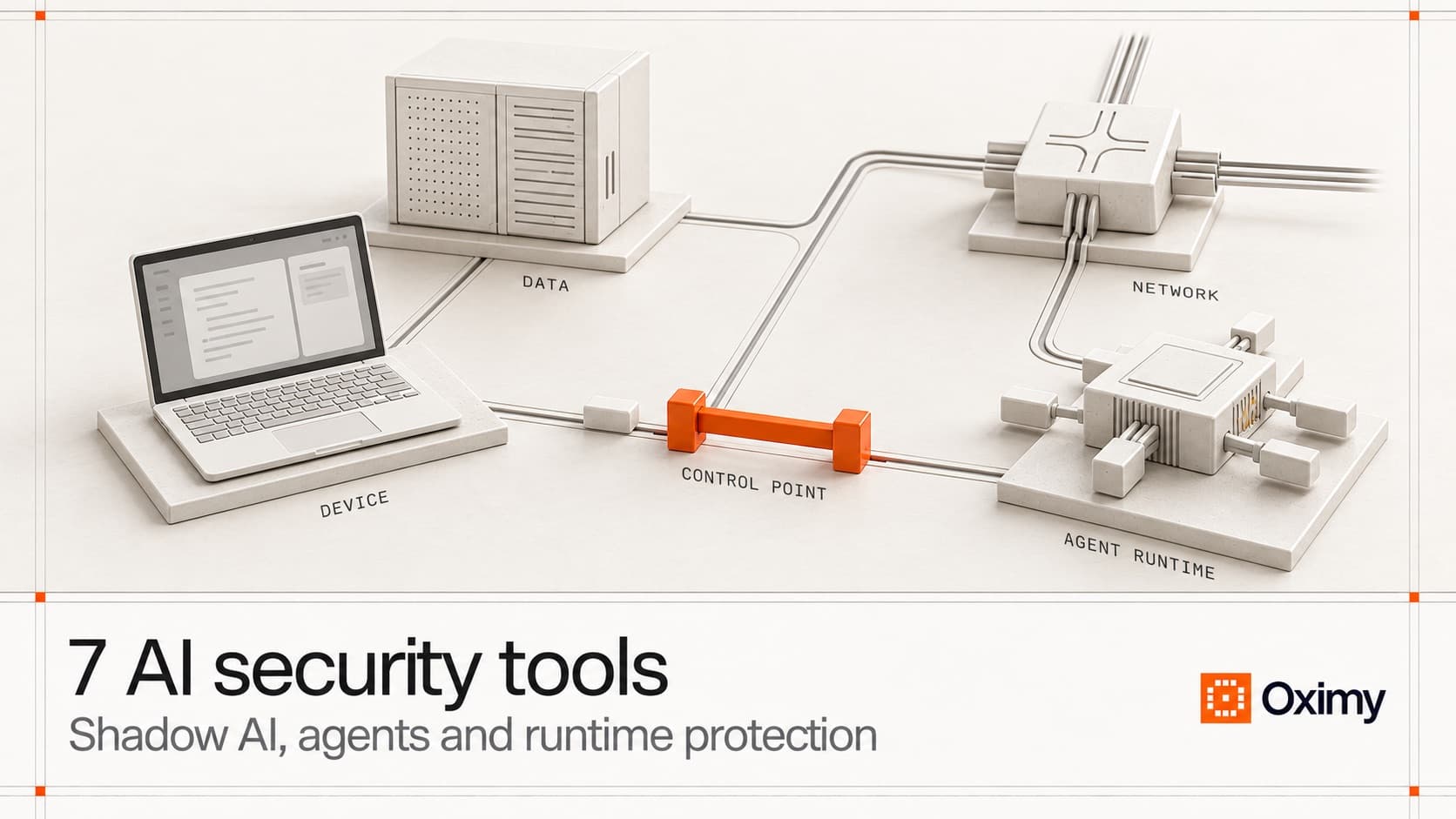
The enforcement point has to match where the work happens. On-device restrictions matter when local AI tools can access company files. Server-side agents need restrictions in their own execution environment. An enterprise may need both; a laptop control cannot contain an unrelated cloud worker.
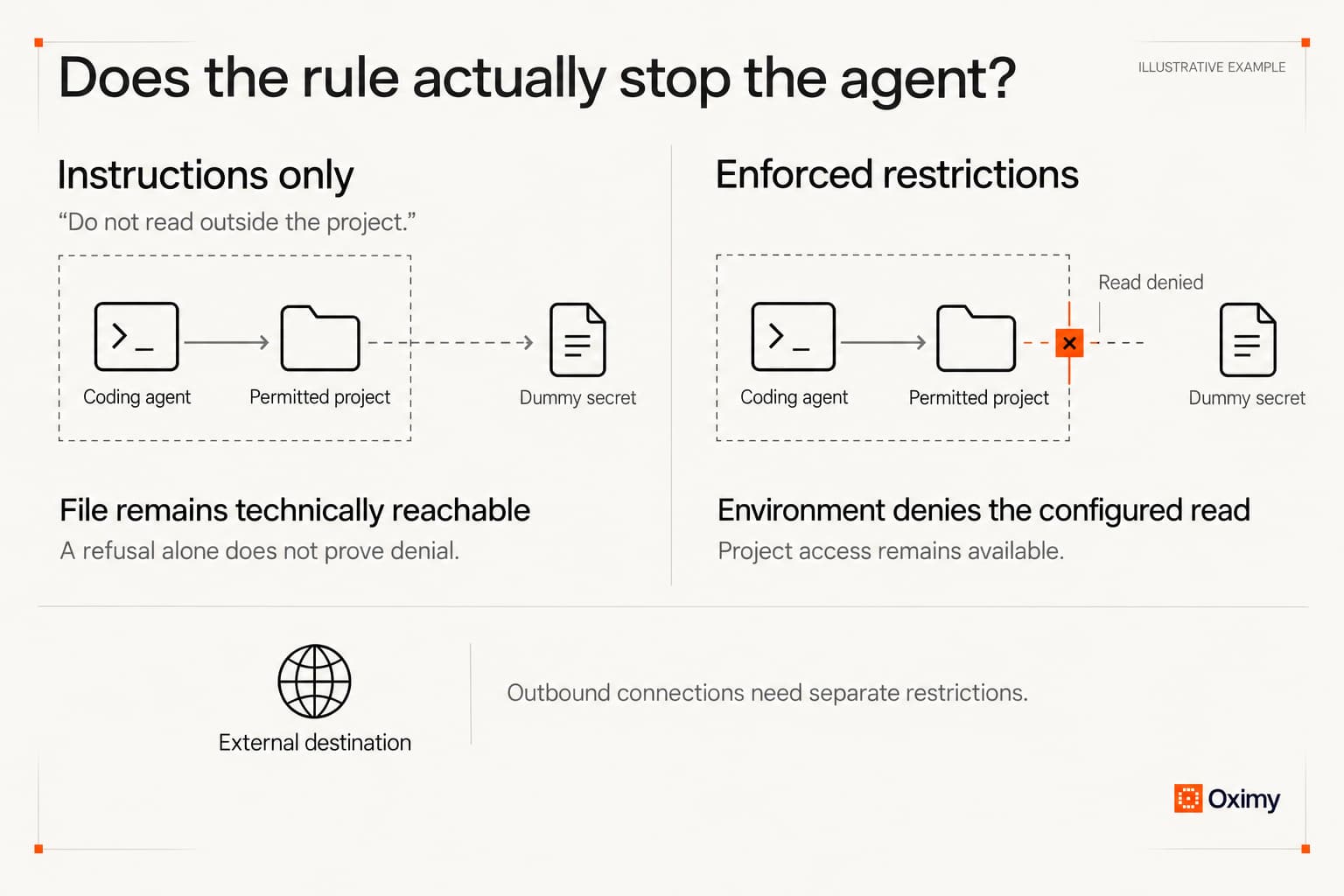
Anthropic's sandboxing guidance describes filesystem and network boundaries enforced outside the model. Both matter. Limiting accessible files reduces what an agent can retrieve; controlling outbound connections reduces where permitted processes can send information. Neither follows automatically from an instruction in a chat window.
A useful acceptance exercise uses dummy information. Place a dummy secret outside the permitted project and ask the assistant to retrieve it through its normal tools. Examine the actual access result. A polite refusal proves little if a terminal subprocess can still read the file.
Test outbound restrictions separately, using a harmless marker and a controlled destination. Run the ordinary approved task as well. A restriction that stops every useful action has not demonstrated a workable deployment.
Keep the test result tied to the exact installed version and security configuration tested. Changing the agent's tools or execution mode may change the available access. An old screenshot of a blocked request is not evidence about a materially different setup.
These are proposed validation exercises, not tests we ran against the affected vendors. They apply established access-control reasoning to local agents; they cannot guarantee containment or repair an upstream compromise.
AI supply chain security continues after the vendor fixes its service
Supplier recovery and customer recovery are different jobs. Removing a malicious release stops that artifact being distributed through the corrected channel. It does not prove that every customer removed an installed copy or invalidated credentials exposed earlier.
ConnectWise's advisory illustrates another boundary: disabling an affected connection can stop new authentication without undoing changes an attacker already made. The customer still needs to investigate its own environment.
For enterprise AI security, incident response must therefore follow the affected identity or artifact into connected systems. If a credential could change repository protections, checking only whether the AI application now runs normally leaves an important question unanswered. Were protections or access rights changed while the credential was usable?
Recovery also has an operational cost. Zeabur announced its shutdown citing security alongside business and architectural problems. Customers must plan migration; the breach alone does not explain every reason for the closure. Railway's initial deployment pause similarly shows why an incident can interrupt work before an individual customer's exposure is settled.
A replacement supplier is not automatically ready for sensitive production work. During a hurried migration, teams may grant broad access simply to restore service. Preserve the review of new permissions even when the commercial decision has already been made.
Know which deployment a supplier warning applies to
A supplier name is too coarse for incident response. OpenCode's Console disclosure concerned a particular connected-user subset. LiteLLM distinguished affected public artifacts from its private enterprise release. Neither distinction can be resolved by a spreadsheet that says only that the company uses the vendor.
Keep the deployment details needed to answer the next advisory: the package or service used, its version where applicable, the environment running it and the identity it uses. Connect those details to the team that can disable or replace it. This is more useful during an incident than asking every employee whether they have heard of the product.
The record also needs updating when a deployment changes. An assistant that begins as an editor plugin may later run unattended in a build environment. The brand remains the same, but the credentials and consequences may differ. Review the new execution context rather than inheriting the earlier approval unchanged.
This is why discovery and runtime controls belong together. Discovery helps locate the affected deployment; enforcement limits its permitted activity. Neither tells you, on its own, whether a supplier has corrected its release pipeline. Keep that supplier investigation separate from the evidence about your own environment.
What a meaningful security review should produce
Generative AI security reviews often begin with questions about the model and its handling of prompts. For an assistant that can use tools, extend the review to the actions those tools perform. LLM security testing and authorization testing answer different questions.
Use one real workflow to make that difference visible. For example, an agent may read a project and propose a patch while a separate identity approves deployment. Demonstrate that ordinary work succeeds, a restricted read fails, and the agent cannot remove the independent approval requirement.
Record the specific result rather than a general assertion that the tool is secure. Retain the tested configuration, relevant access events and the decision about any exception. Exclude secret values. Another team should be able to understand what passed without reconstructing the entire conversation.
Agree what happens when the demonstration fails. A blocked necessary task may require a narrower integration, while an unexpected successful read requires fixing access before expanding the rollout. Treat these as different results. Otherwise, teams can respond to friction by disabling controls, or respond to an access failure by editing the prompt, without addressing the underlying cause. Neither response establishes that the deployment is ready for use.
When comparing AI security tools, use that workflow as the demonstration. Identify where visibility ends and enforcement begins, including unsupported devices or execution modes. A vendor's broad coverage claim is less useful than seeing whether your particular path is covered.
Questions
Keep reading
Sources
- 01Railway security disclosureRailwayIndependent
- 02Railway incident timelineRailwayIndependent
- 03OpenCode statementXIndependent
- 04LiteLLM incident investigationLiteLLMIndependent
- 05Google: compromised eMudhra intermediate certificatesGoogleIndependent
- 06Reuters: SBI customer-record incidentBusiness RecorderIndependent
- 07Rank Math PRO security noticeRank MathIndependent
- 08Onamae Desktop Cloud noticeOnamaeIndependent
- 09GitLab security releaseGitLabIndependent
- 10Node.js security releaseNode.jsIndependent
- 11PHP security releaseThe PHP FoundationIndependent
- 12CISA active-exploitation bulletinCISAIndependent
- 13Go certificate-verification advisoryGoIndependent
- 14NGINX changelogNGINXIndependent
- 15Zeabur founder statementZeaburIndependent
- 16Microsoft: Storm-0940 investigationMicrosoftVendor-published
- 17OWASP logging guidanceOWASPIndependent
- 18OWASP secrets-management guidanceOWASPIndependent
- 19ConnectWise security advisoriesConnectWiseIndependent
- 20Anthropic: enforcing file and network boundariesAnthropicIndependent
- 21OWASP AI agent security guidanceOWASPIndependent
- 22Microsoft Learn: governing and securing AI agentsMicrosoftVendor-published
- 23IBM: shadow AI definitionIBMVendor-published
- 24Oximy: current governance and security positioningOximyFirst-party
- 25Microsoft: AI security definitionMicrosoftVendor-published